PS5 turns on but no picture? How to tell if it's the HDMI port
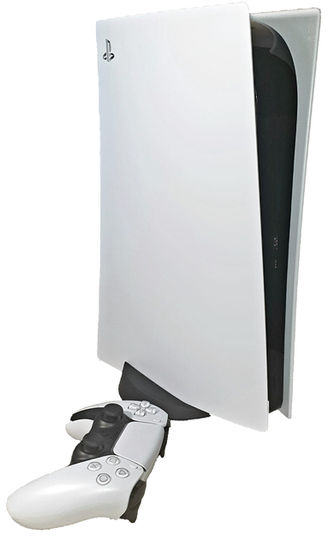
Your PS5 powers on, the light is on, but the TV says no signal. Before you worry, a few quick checks will tell you if it's the console or something simpler.
Check these first
- Try another HDMI cable. The one that came with the PS5 works best.
- Try another HDMI input on your TV, or another TV.
- Start the PS5 in safe mode: with it off, hold the power button until the second beep, connect the controller with a USB cable, press the PS button and choose Change Video Output.
- Look inside the port with a flashlight. Bent or missing pins are a clear sign of damage.
Signs it's the HDMI port
The port is soldered to the main board and takes a lot of wear. Pulling the cable at an angle, moving the console with the cable plugged in, or a fall can crack the port or bend its pins.
- The picture flickers or cuts out when you touch the cable.
- The cable feels loose or won't go all the way in.
- You can see bent, broken or burnt pins.
- Nothing works with any cable or any TV.
How we fix it
We remove the damaged port and solder a new one onto the board with micro-soldering. Then we test picture and sound on a TV before you pick it up. When the part is in stock, it's often done in 40 minutes or less.
Tip: once it's fixed, leave some slack in the cable and unplug it before you move the console.
Related repair: PS5 and PS4 repair in Las Vegas
Need it fixed?
Send us your console and the problem on WhatsApp, and we'll reply with a price or the next step.